
eharmony Photo Approval: How Long It Takes and Why Photos Get Rejected
eharmony photo approval usually takes under 24 hours. Here are the ten reasons eharmony publishes for rejecting a photo, the format rules, what eharmony actually says about AI-edited images, and what to change before you re-upload.
eharmony photo approval normally takes under 24 hours. If yours came back rejected, it is almost always one specific item on a list eharmony publishes in full, not a judgement on the photo. And while a photo sits in review, nothing on your account is locked: you can still view and message other members.
This page reproduces eharmony's own rules, in eharmony's own order, with the source named. I fetched the help centre pages directly on 2026-08-13 to check every claim below, because most of what circulates about eharmony photo review is paraphrase of paraphrase.
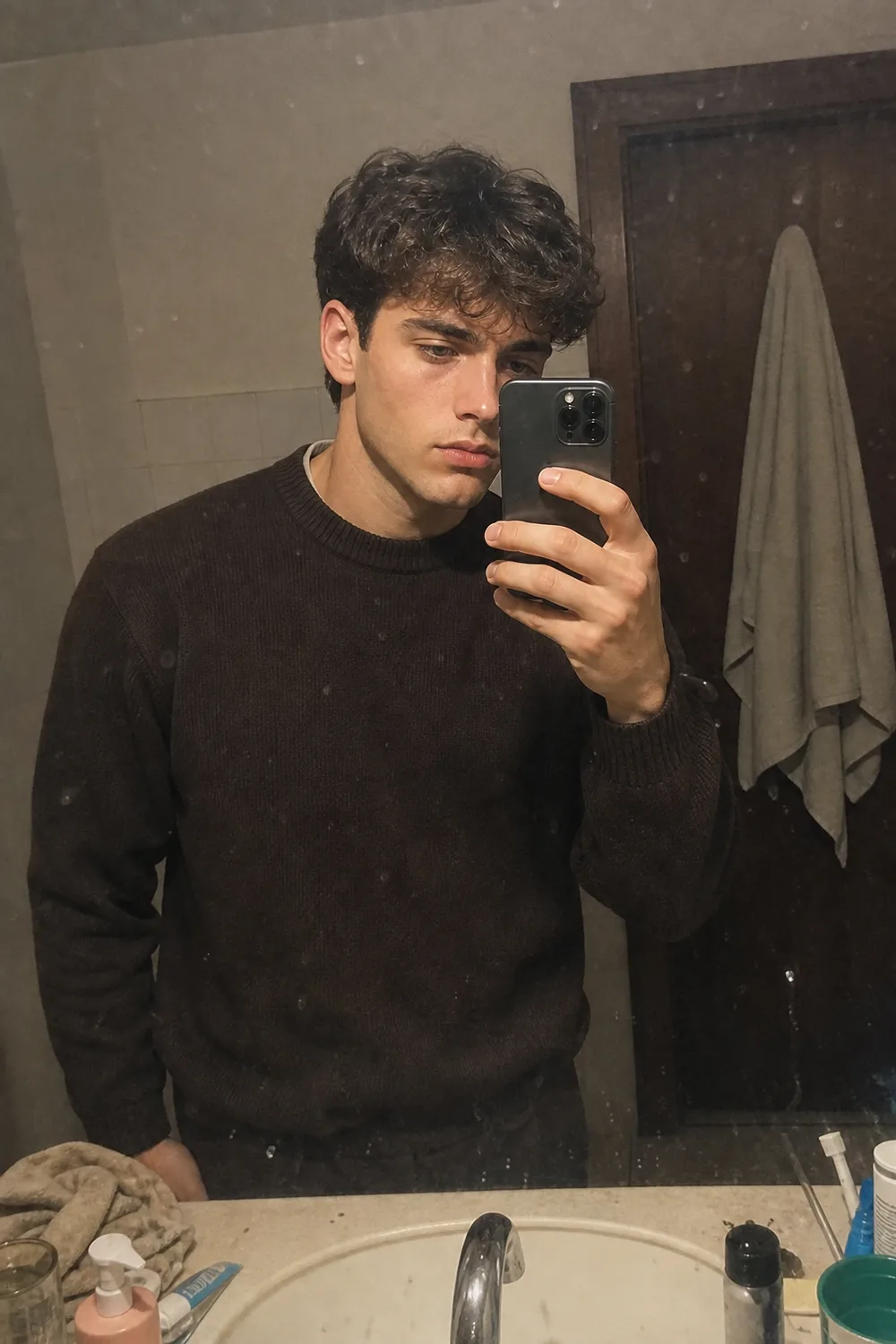 Before
 After
AfterStudio / Private by design
See yourself shot properly.
Use our AI dating photo generator to create profile pictures from four everyday selfies. Your uploads are encrypted, never used to train AI, and become inaccessible five days after upload.
Or quick sign-in from here
How Long Does eharmony Take to Approve a Photo?
Usually under 24 hours. That is eharmony's own number, published on its help centre page "How long does it take eharmony to approve a photo?": not an estimate from a forum thread.
Two things follow from that, and both matter if you are currently refreshing your profile every ten minutes. First, a pending photo does not restrict your account. eharmony's help centre is explicit that you can keep viewing and communicating with other members while a photo waits. Second, the review is carried out by eharmony's Customer Care team. That is a person reading your photo against the posting rules, not only an automated filter, which is why the turnaround is measured in hours rather than seconds.
Source: eharmony help centre, photo approval and photo upload FAQ pages (eharmony.com/tour/faq/), fetched 2026-08-13.
If it is stuck well past a day (our view): contact Customer Care. There is no published fast lane, no resubmit trick, and nothing you can do from your side to move the queue. eharmony does not publish a "delete it and upload again" remedy, so we are not going to invent one. The team that reviews photos is the team that can tell you which rule yours failed: ask them.
eharmony's Photo Format and Content Rules
The posting rules are unusually short. Photos must be in JPG format. Any size will do, but the photo has to be big enough to "appear clearly." And, verbatim from eharmony: "Photos must be of you only."
That third rule is the one people misread. It is not a primary-photo rule. eharmony is not saying your first photo must be solo and the rest can be group shots: it is asking for photos of you alone, across the board, so other members can see clearly who you are. Everything else in eharmony's rulebook is the rejection list below: what a photo must not contain.
Source: eharmony help centre, photo posting guidelines (eharmony.com/tour/faq/), fetched 2026-08-13.
Why Was My eharmony Photo Rejected? The Full List
eharmony publishes ten reasons. Here they are in eharmony's own order, each with one line of plain-English gloss on what actually trips it. The gloss is our reading, not eharmony's wording: eharmony states the rule, we are telling you what usually causes it.
- It is blurred or you are not clearly visible. (Our reading:) sunglasses, a hat brim shadowing the eyes, a hand across the face, a shot from behind, or a distance shot where your face is a few dozen pixels wide.
- It contains nudity. (Our reading:) this includes shirtless mirror shots that read as posed rather than contextual, so a beach photo is safer than a bathroom one.
- It is provocative or pornographic. (Our reading:) the pose and framing carry as much weight here as the amount of clothing.
- It shows a child alone or children by themselves. (Our reading:) read the wording carefully. The rule is about photos of children on their own, not about any photo a child happens to appear in.
- It is of a pet, an object or scenery instead of you. (Our reading:) your dog, your car and that sunset are not profile photos, however good the picture is.
- It contains personal information that could identify someone. (Our reading:) this is the silent one. Names, addresses, phone numbers and social handles count, and so does text in the background: a street sign, a delivery label, a handle printed on a T-shirt, a screenshot with a username still visible.
- It has been altered in a way that significantly changes your appearance. (Our reading:) this is about degree, not about editing as such. Filters are not banned. Reshaping is the problem.
- It shows an illegal act or activity.
- It contains vulgar symbols, gestures, or gang signs and colors. (Our reading:) a joke gesture you would not explain to a stranger is a joke gesture that gets flagged by one.
- It contains a dead animal, other than a fish. (Our reading:) yes, the fish carve-out is real and it is in the published rules.
eharmony also reserves the right to reject photos for reasons it has not listed. Treat the ten as the floor, not the whole rulebook.
Source: eharmony help centre, "Why has my photo been rejected?" (eharmony.com/tour/faq/why-has-my-photo-been-rejected/), fetched 2026-08-13.
The One That Catches Most People
"Blurred or not clearly visible" is first on eharmony's list and, in our experience, it is the likeliest explanation when a rejection feels unexplained. Run this checklist before you re-upload (our view, not eharmony policy):
- Are both eyes visible, with no sunglasses and no hat brim casting a shadow across them?
- Is your face large enough in frame that a stranger could pick you out of a crowd from it?
- Is it the original file, not a screenshot or a photo re-saved through three chat apps?
- Is anything crossing your face: a hand, a drink, a phone, a lens flare?
- Is it front-lit? A backlit subject against a bright window reads as a silhouette.
Most of these overlap with the everyday failures in 10 photo mistakes that kill matches, which is not a coincidence: the rule that gets you rejected and the flaw that gets you swiped past are frequently the same flaw.
Do AI-Edited Photos Get Rejected by eharmony?
Here is the entire published record, and we are quoting it because there is not much of it. eharmony's only statement on AI images is that if an AI-edited image alters your appearance too much, it might be rejected. No threshold. No percentage. No bright line. Anyone telling you eharmony has a specific AI policy beyond that sentence is filling a gap with guesswork.
Source: eharmony help centre (eharmony.com/tour/faq/), fetched 2026-08-13.
(Our analysis:) that sentence is not a separate AI rule. It sits under the published rejection reason it maps to: number seven, "altered in a way that significantly changes your appearance." eharmony has not written a new rule for AI. It has told you which existing rule AI-edited photos get judged against. That reframing is useful, because it means the question is not "did a machine touch this photo" but "does this photo still show your appearance."
We build AI dating photos for a living, so let us be direct about where the risk is rather than pretend generated photos sail through. A photo that changes your face shape, jawline, body or apparent age is squarely inside the category eharmony says it may reject. A photo restyled from your own recent selfies: different light, different background, different clothing, your face unchanged: is not. The two get lumped together as "AI photos" in most coverage, and they carry completely different rejection risk.
The test we recommend (ours, not eharmony's): if two people who know your face could pick you out of the photo with no context, you are on the safe side of "significantly altered." It is a blunt test. It is also the same question a human reviewer is answering.
Policies differ across platforms, and eharmony's single sentence is not representative: the 2026 rules on AI photos across the major apps covers where each one actually stands.
What to Do When Your Photo Is Rejected
The process, ours, and deliberately boring (our view):
- Identify which of the ten applies. Read the list above against your photo before you change anything. Usually one item jumps out: and it is often number one or number six.
- Fix that one thing. Do not reshoot the whole set. Changing five variables at once means you learn nothing if the next upload also fails.
- Re-upload the original file, not a screenshot or a re-compressed copy.
- Expect another sub-24-hour wait. A second submission is a fresh review, not an appeal that jumps the queue.
- If it fails twice for the same reason, contact Customer Care rather than guessing a third time.
If the rejection was about clarity rather than content, the underlying problem is usually photographic, not administrative: why you look bad in photos explains the lens and lighting mechanics that produce unusable shots in the first place.
And if you are here because a photo was just rejected and you want the next one to clear the bar on the first try, how to build AI photos that pass app photo verification is the deeper how-to: it covers keeping a truth base, which edits preserve identity, and how to check your photos against a live selfie before you upload.
The Bottom Line
eharmony's rules are unusually well published for a dating app. The wait is under a day, the rejection list is ten items long and available in full, and the only AI guidance that exists is one sentence about altering your appearance too much. Most rejections are one fixable item, and the most common one is simply not being clearly visible.
If you want photos built to clear that bar: restyled from your own selfies, with your face left alone: that is what the Studio does. And if you are curious what happens to photos on the other side of the upload, how verification works on the other side covers the checks matches and platforms run.
Questions, answered.
01How long does eharmony take to approve a photo?+
eharmony says photo approval usually takes under 24 hours. The review is carried out by eharmony's Customer Care team, so a human reads the photo against the posting rules rather than an automated filter alone. Source: eharmony help centre (eharmony.com/tour/faq/), fetched 2026-08-13. If a photo is still pending well past a day, contact Customer Care: there is no published way to speed the queue from your side.
02Why was my eharmony photo rejected?+
eharmony publishes ten reasons: the photo is blurred or you are not clearly visible; it contains nudity; it is provocative or pornographic; it shows a child alone or children by themselves; it shows a pet, object or scenery instead of you; it contains personal information that could identify someone; it has been altered in a way that significantly changes your appearance; it shows an illegal act or activity; it contains vulgar symbols, gestures or gang signs and colors; or it contains a dead animal other than a fish. eharmony also reserves the right to reject photos for reasons it has not listed. Source: eharmony help centre, "Why has my photo been rejected?", fetched 2026-08-13.
03Can you use AI-edited photos on eharmony?+
eharmony's only published statement on AI is that if an AI-edited image alters your appearance too much, it might be rejected. No threshold or bright line is given. Source: eharmony help centre, fetched 2026-08-13. Our reading is that this sits under the existing published rule about photos altered in a way that significantly changes your appearance: so a photo that changes your face shape, body or apparent age carries real rejection risk, while a photo restyled from your own recent selfies with your face unchanged does not.
04Can other members see your profile while a photo is pending?+
Yes. A pending photo does not restrict your account: eharmony's help centre states that you can still view and communicate with other members while a photo is in review. Source: eharmony help centre, fetched 2026-08-13. Only the photo itself waits: nothing else on the account is frozen while Customer Care works through the queue.
05What photo format does eharmony accept?+
JPG only. Any size will do, but eharmony requires the photo to be big enough to appear clearly. Source: eharmony help centre photo posting guidelines, fetched 2026-08-13. Our practical note: upload the original file rather than a screenshot or a copy that has been re-compressed through messaging apps, because "blurred or not clearly visible" is the first item on eharmony's rejection list.
06Can you have other people in your eharmony photos?+
No. eharmony's wording is verbatim: "Photos must be of you only." Source: eharmony help centre, fetched 2026-08-13. This is a blanket rule rather than a primary-photo rule: it is not that group shots simply cannot be your main image, it is that eharmony asks for photos of you alone so other members can see clearly who you are.

Author / reviewed profile
Emma Blake
Emma Blake is a dating coach and portrait photographer with 8+ years of experience helping singles improve their online dating profiles. She has worked with over 2,000 clients and her advice has been featured in Cosmopolitan, Elite Daily, and The Dating Insider. Emma holds a B.A. in Psychology from NYU.