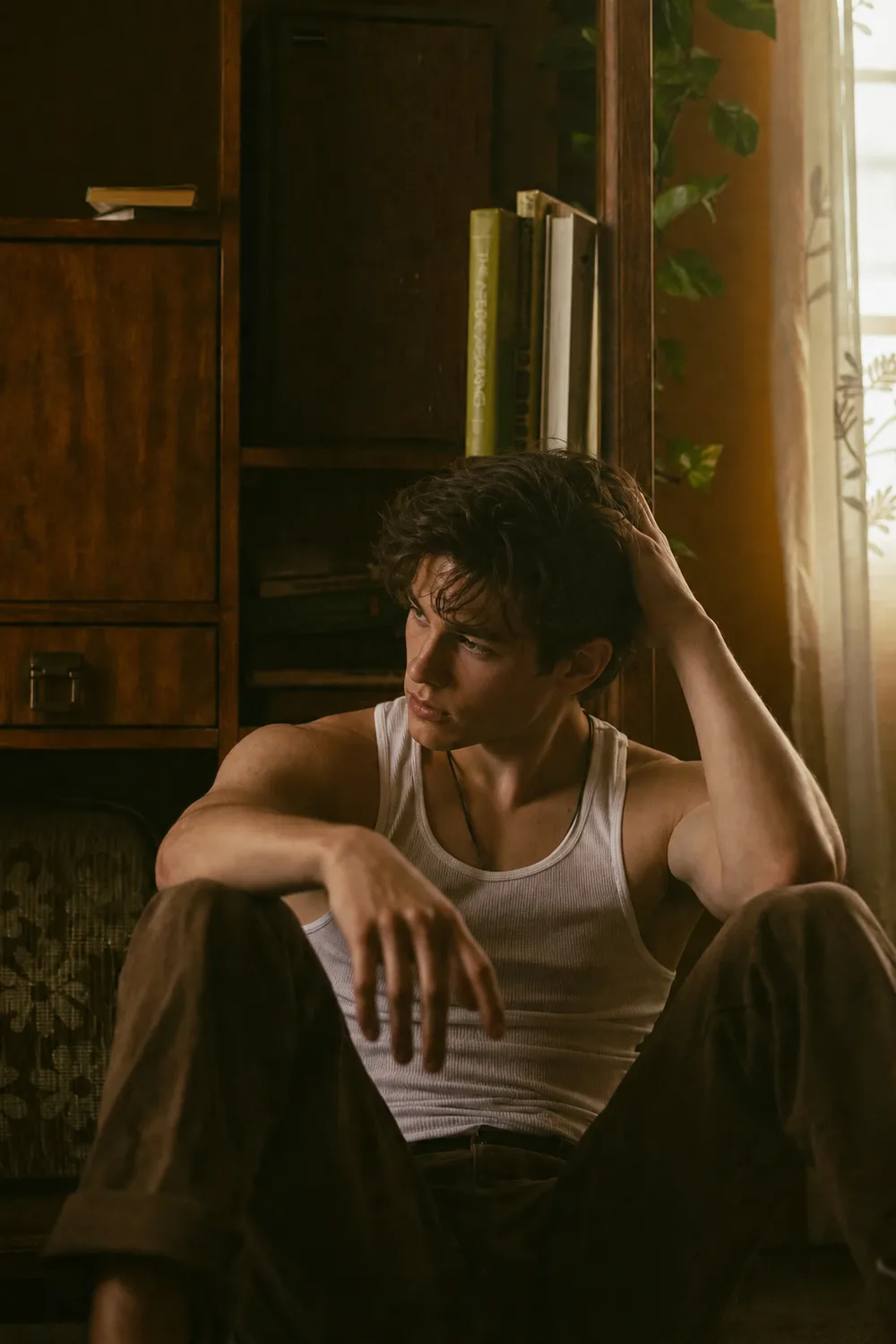
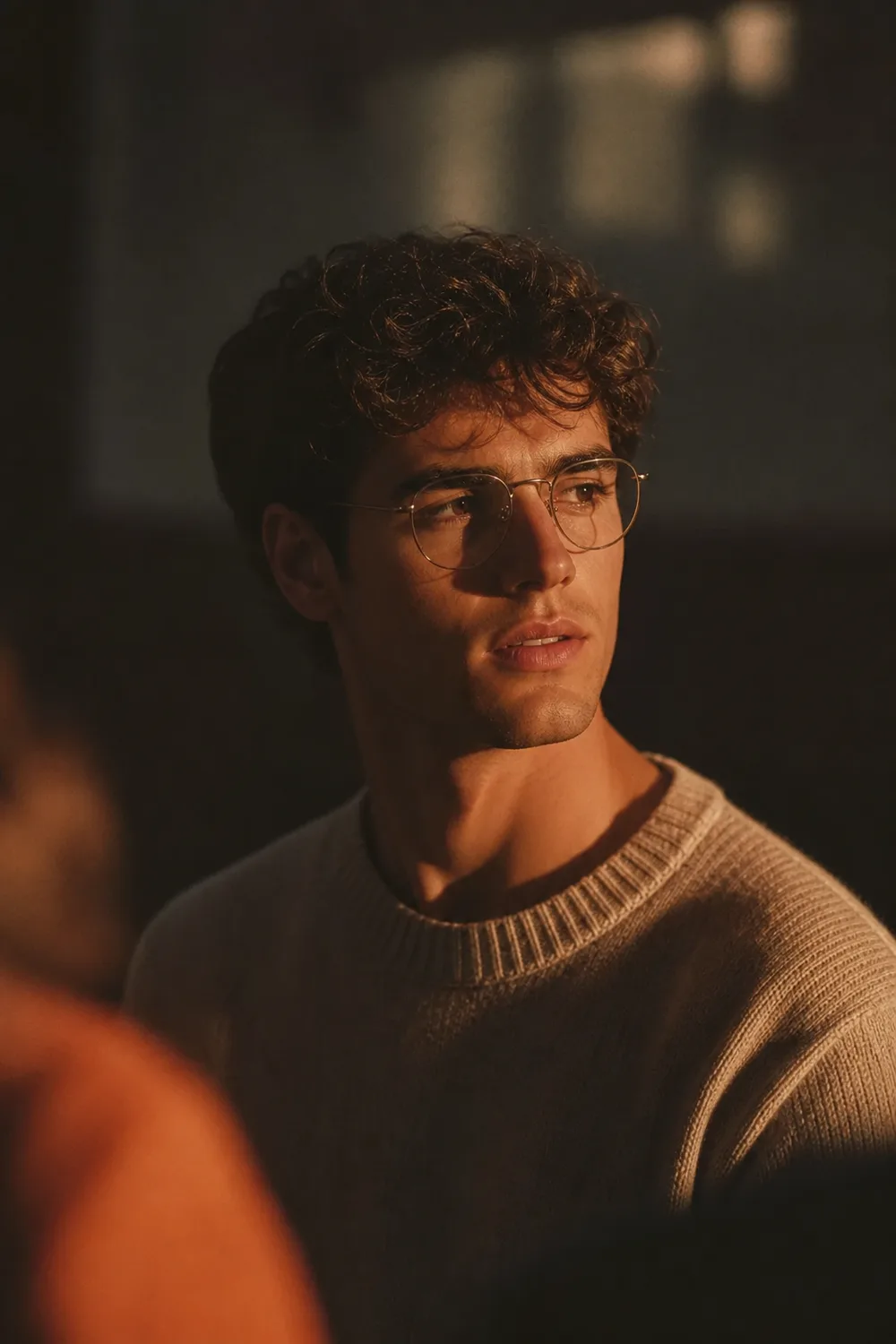
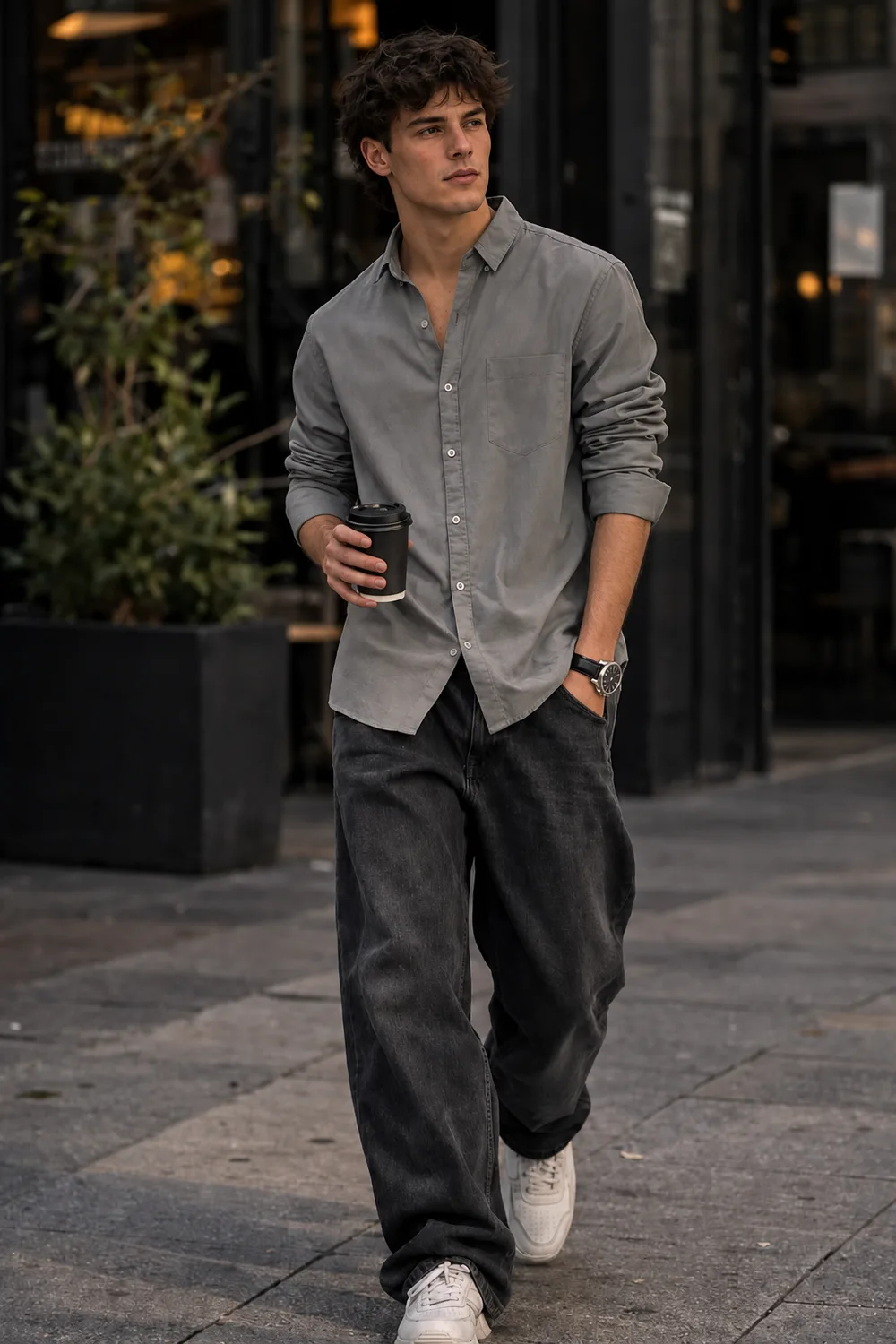
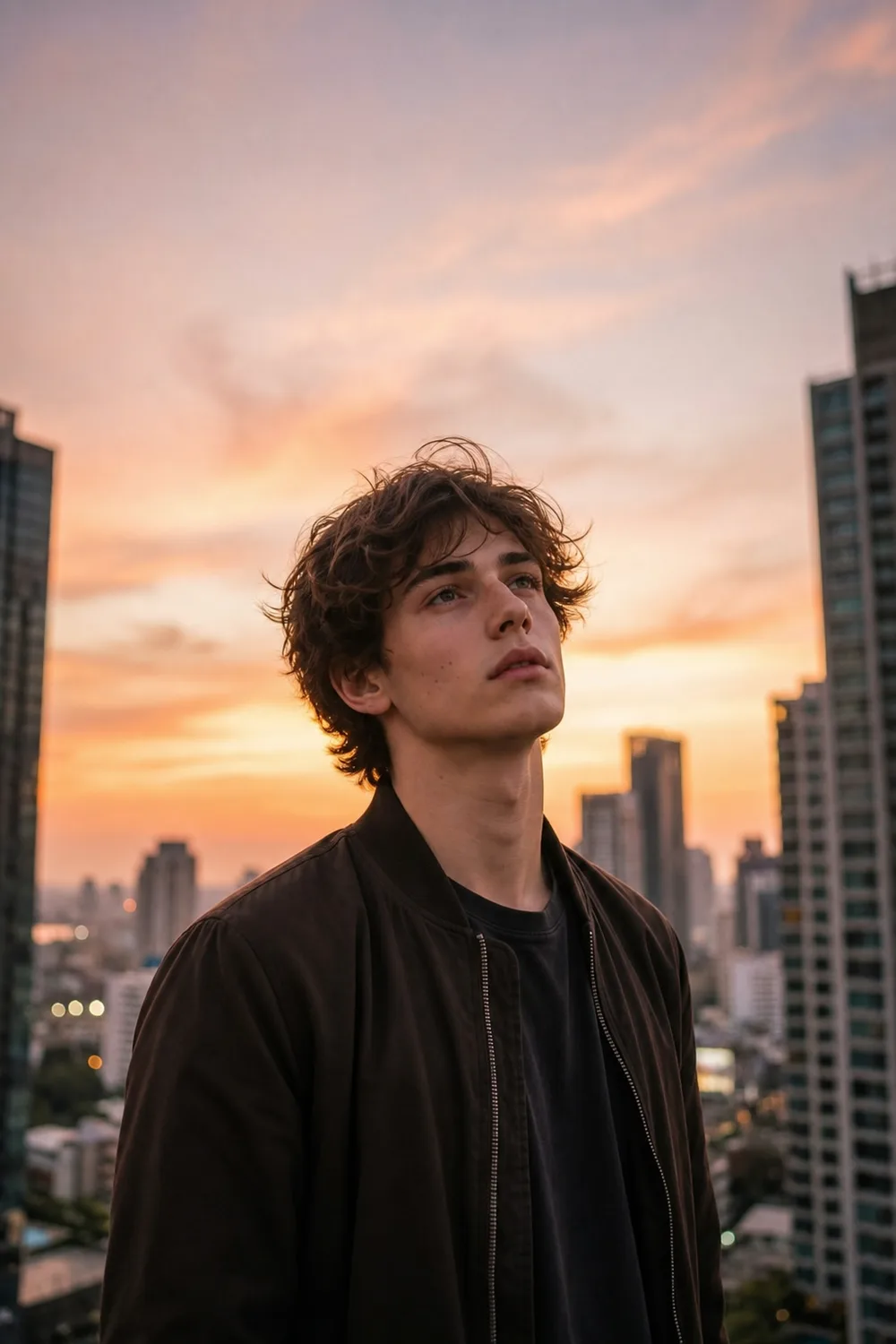
New in v3Put yourself in any photo

DatingImagePro

You look better in person.
Your photos should prove it.

Upload a few selfies. Then pick a preset, describe your own, or drop in a photo you love — and get photorealistic dating photos in 2–4 minutes, without a photographer or a single awkward pose.

Still looks like you · A photographer costs $300+ · Your photos stay on your phone

Front-facing selfie
Left-angle selfie
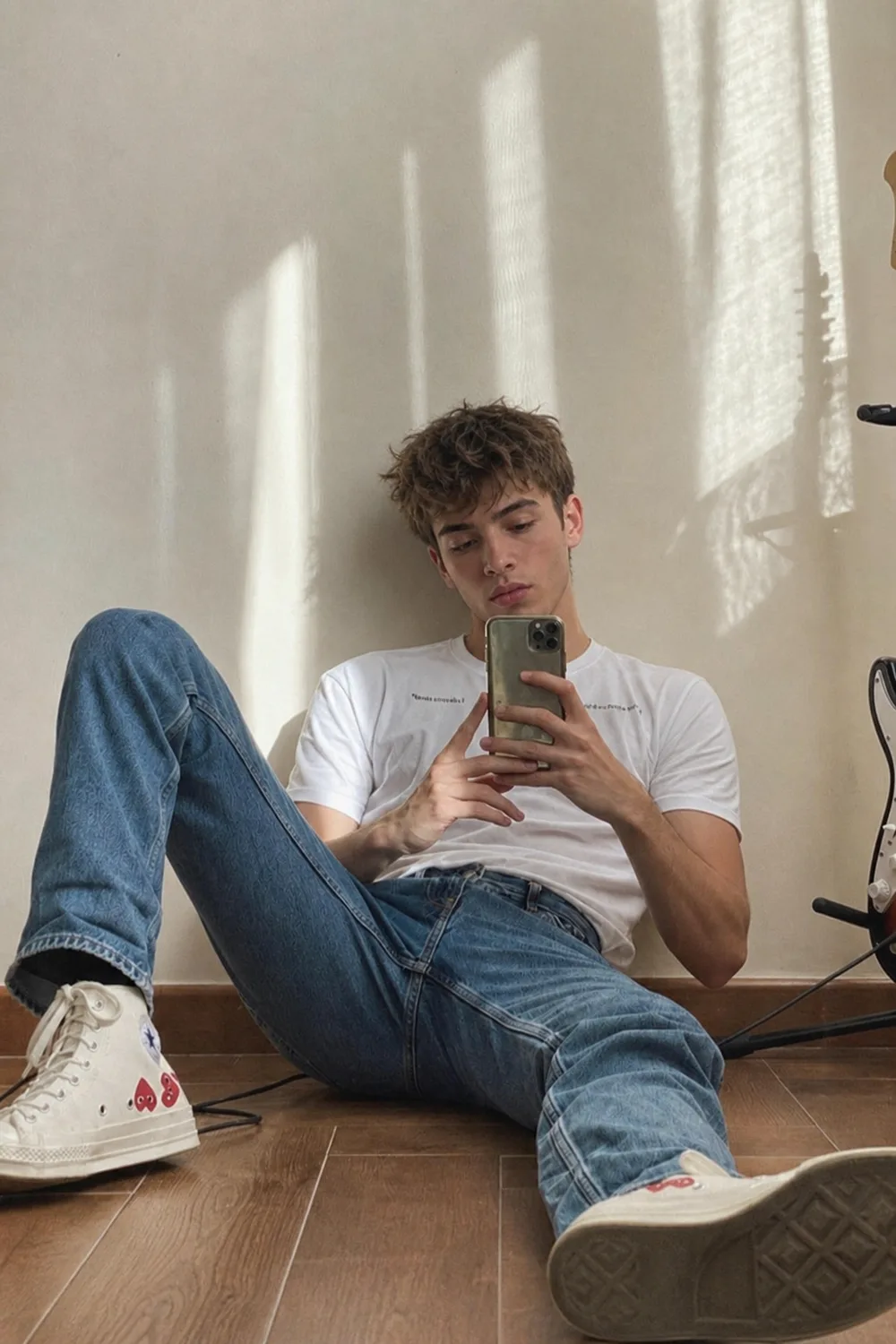
Casual selfie
Right-angle selfie
Full-body selfie
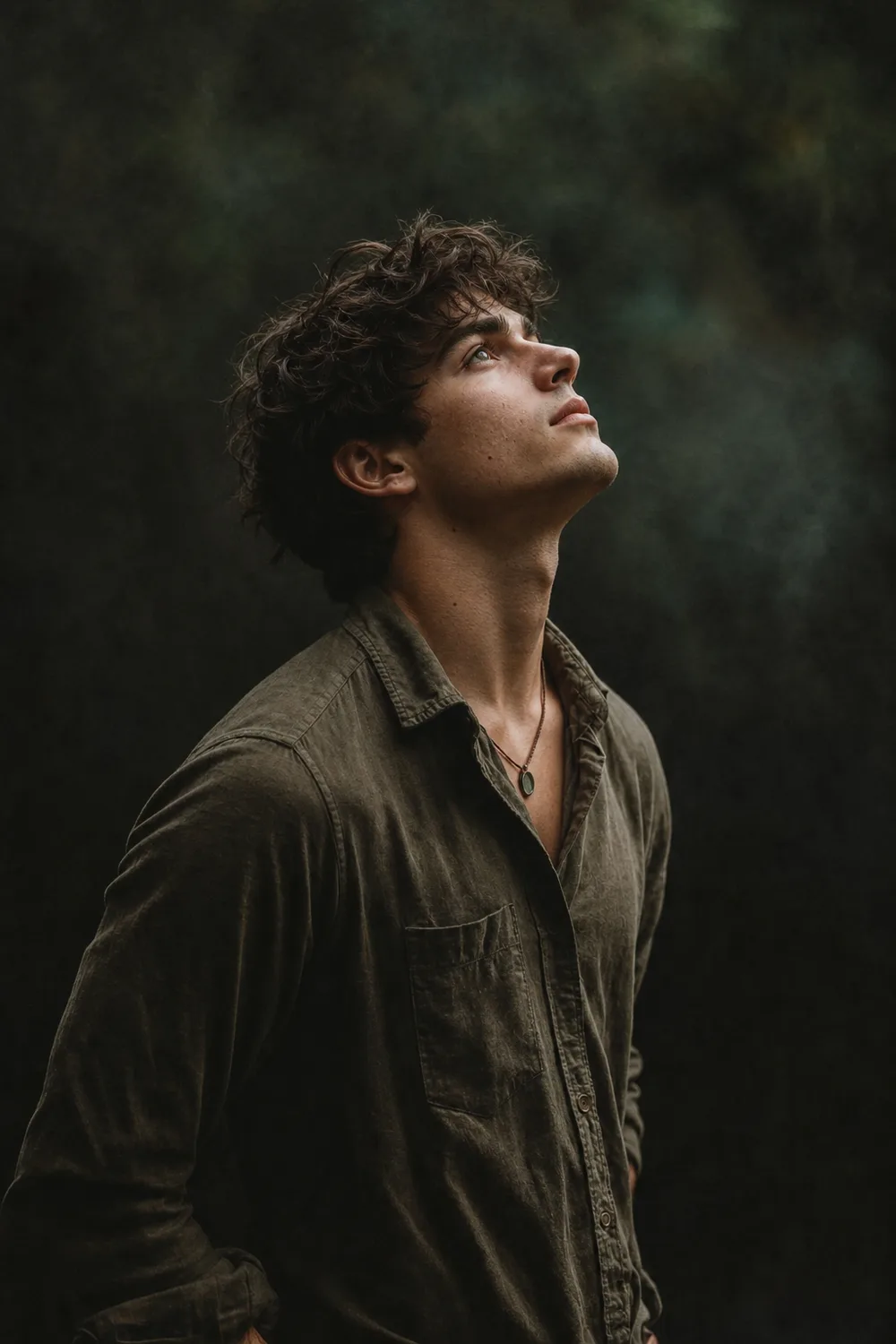
Professional studio headshot generated from a selfie with Dating Image Pro
4.8on the App StoreWorks on Tinder, Bumble & HingePhotos stay on device
4.8

App Store rating

2–4 min

From upload to results

1,000+

Downloads

If this sounds familiar

It’s not just you.

Every single person on dating apps is stuck on at least one of these. You’re not broken — you’re just missing the right photos.

“I don’t have anyone to take photos of me.”

You’ve been meaning to upgrade your profile for months. But who do you even ask? A friend? A stranger? The whole thing feels awkward before it starts.

“I look better in person than in photos.”

You get compliments in real life. You see yourself in the mirror. Then you open your camera roll and none of it shows up. Selfies flatten you. You know it.

“A photographer costs $300 and takes two weeks.”

Even if you book one, the photos look paid for. You want pictures of you living your life — not you posing against a wall.

The real reason

It’s not you.
It’s your photos.

Three things are working against your current profile — and none of them are about how you actually look.

Lens

Your front camera distorts your face.

Wide-angle phone lenses enlarge features unnaturally. The face in your selfies isn’t the face people see in person.

Glance

People decide in a split second.

Your first photo is the whole profile until it isn’t. Bios, height, interests — all of it comes after one instant judgment.

Reach

The app punishes underperforming profiles.

Fewer swipes in means less visibility out. Bad photos don’t just lose matches — they quietly hide your profile from new ones.

Fix the photos, and the rest of your profile finally gets a fair shot.

New in v3

Three ways to your best photos.

Pick a preset, describe your own, or drop in a photo you love. Three ways to do it — pick one.

Show us a photo you loveNew · Recommended

Show us a photo you love

Drop in any photo and the AI replaces the person with you — same scene, same vibe, your real face.

Describe what you wantNew

Describe what you want

Tell the AI the place, the vibe, the outfit — like “golden-hour rooftop bar, navy blazer” — and it creates it with your face.

Choose a preset

Choose a preset

Pick one of our battle-tested looks, curated by dating photographers. Tap one and go.

New in v3 · Image Swap

Put yourself in any photo.

Found a photo you love? Add your selfies — now it’s you. Same scene, same vibe, your real face.

Selfie 1 you upload
Selfie 2 you upload
Selfie 3 you upload
Selfie 4 you upload

Your selfies

A reference photo whose look you love

A photo you love

The reference photo recreated as you — your face, the same scene and pose✨ Now it’s you
Same scene, pose & framing
Your real face and features
Keep their outfit or wear your own style
“I was sure it’d look fake. It just looks like the best version of me.”
— Calvin, App Store review
Put yourself in any photo

Presets

Prefer to keep it simple? Pick a preset.

The third way to create — battle-tested presets curated by dating photographers. These are 8 of the styles built in, from polished studio headshots to candid hobby shots.

Studio Headshot
Studio Headshot
Night Out
Night Out
Bookstore
Bookstore
Hobby
Hobby
Music
Music
Sports
Sports
Pet Portrait
Pet Portrait
Farmer's Market
Farmer's Market

New styles added regularly.

How it works

Three steps from ordinary selfies to scroll-stopping photos.

01

Upload a few selfies

Front, side, full-body. Any lighting. Your phone camera is enough.

02

Choose how

Pick a preset, describe your own, or drop in a photo you love. Three ways — your call.

03

Get pro photos in 2–4 min

Download straight to your camera roll. Post today. Match tonight.

Ready in 2\u20134 minutes

Elevate your
dating profile.

01

AI-powered
photos

Upload a handful of selfies. Get photorealistic dating photos in minutes — indistinguishable from a studio shoot.

02

Your privacy,
always.

Your selfies are sensitive. They stay on your device, encrypted in transit and at rest. Nothing is posted. Nothing is shared. Nothing is sold.

Features

Everything you need to look your best.

Dating Image Pro gives you the tools to stand out \u2014 without the price tag of a professional shoot.

P

Photo Reference Mode

Found a photo you love? Add your selfies and the AI recreates that look, pose, and setting as you.

D

Describe Your Own

Tell the AI the dating photo you imagine — the place, the vibe, the outfit — and it creates it with your face.

A

AI Photo Generation

Transform everyday selfies into stunning dating profile photos using advanced AI.

M

Multi-Angle Input

Upload selfies from multiple angles for the most accurate and flattering results.

B

Battle-Tested Presets

Choose from battle-tested presets curated by dating photographers — from polished studio headshots to candid hobby shots.

P

Privacy-First Design

Your photos stay on your device, encrypted in transit and at rest.

Q

Quick Results

Get your new dating profile photos in just 2-4 minutes.

G

Gallery Management

Save, organize, and manage all your generated photos in one place.

Real results

Thousands of matches later.

I went from zero matches to 15+ a week. The photos look so natural, nobody can tell they're AI.
M
Mike, 28
Hinge user
Finally, profile photos that actually look like me — just better. My confidence is through the roof.
S
Sarah, 32
Bumble user
Worth every penny. I used to dread taking photos. Now I have a whole gallery of great shots.
J
James, 26
Tinder user

Privacy-first

Your photos stay yours. Always.

Your selfies are sensitive. We treat them like it.

Photos are never shared or posted anywhere

All data stays on your device

Encrypted in transit and at rest

Delete your data at any time

FAQ

Frequently asked questions.

How does Dating Image Pro work?
Upload a few selfies from different angles, then choose how you want to look: pick a battle-tested preset, describe your own photo in plain words, or drop in a reference photo you love and we’ll put you in it. Our AI generates photorealistic dating profile photos in 2-4 minutes.
Can I put myself in a specific photo I love?
Yes — that’s the new Photo Reference mode in version 3. Upload a photo whose look you love, add your selfies, and the AI recreates that exact scene, pose, and setting as you — keeping your real face and features. Steal the look, keep yourself.
Can I describe a custom look instead of using presets?
Absolutely. With Describe mode, tell the AI the dating photo you have in mind — the place, the vibe, the outfit — and it creates it with your face. You’re no longer limited to fixed presets.
Will the photos look fake or obviously AI?
No. Dating Image Pro is trained on professional portrait photography and preserves your likeness — your face, your build, your features. The result is you, shot by a pro. Users on Hinge, Bumble, and Tinder post them without anyone noticing.
Does it work for my body type, age, or skin tone?
Yes. The model is trained on a wide range of faces, bodies, and lighting conditions. Upload a few varied selfies so it has enough to work with, and you’ll get photos that look like you — at your best.
What if I’m not photogenic?
Most people who say that aren’t un-photogenic. Their phone’s front camera is distorting their face, and their selfies are shot in the wrong light. Dating Image Pro fixes both. You don’t need to be photogenic — you just need better source material.
Is my data safe?
Absolutely. Your photos are processed on-device where possible and encrypted in transit and at rest. We never share, sell, or post your photos anywhere. You can delete all your data at any time.
Which dating apps can I use the photos on?
Any of them! The photos work great on Tinder, Bumble, Hinge, Coffee Meets Bagel, Match, and any other dating app or website that accepts profile photos.
Do I need a professional camera?
Not at all. Any smartphone camera works. The AI is designed to work with everyday selfies — no special equipment needed.

Your next match is one upload away.

Download Dating Image Pro, upload a few selfies, then pick a preset, describe your own, or drop in a photo you love.

Made for iPhone · iOS 17 or later